Auth + Capture Payment
Last updated: 10/23/2025
It's essential to understand how authenticating and capturing a payment works when making a transaction.
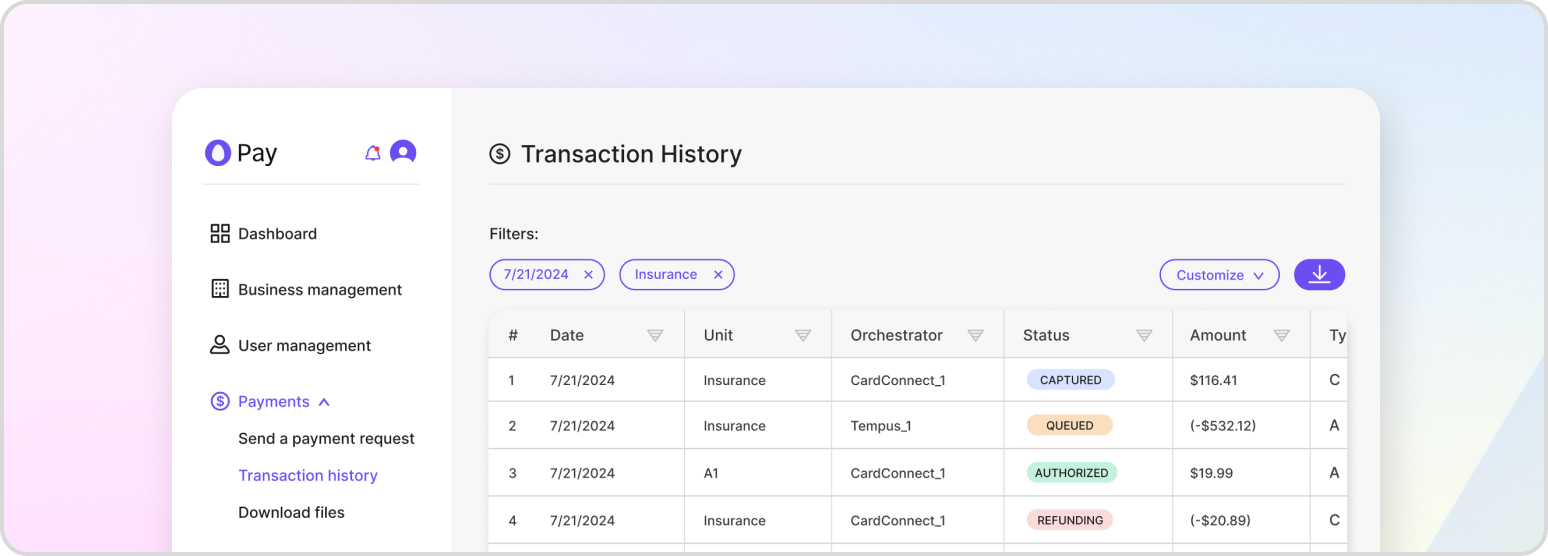
After a customer has input their payment information within HatchPay, the payment details are sent to the payment gateway provided by the business unit’s payment orchestrator. This payment gateway is responsible for authorizing and capturing payments, and it communicates with the customer’s bank to verify the availability of funds and complete the transfer of funds from the customer to the merchant.
There are two main steps involved in the payment process: authorization and capture. During the authorization step, the payment gateway checks whether the customer’s account has enough funds to cover the payment amount. If the account has sufficient funds, the payment is authorized, and a hold is placed on the funds. If the account does not have sufficient funds, the payment is declined. Once the payment is authorized, the merchant can choose to capture the funds, which finalizes the transaction and transfers the funds from the customer’s account to the merchant’s account.
Pre-Authorization
Pre-authorization is a process within HatchPay that allows merchants to initiate a transaction and obtain approval from the customer’s bank for the payment amount before actually capturing the funds. This means that the transaction is authorized in advance, without being captured, and can be completed in a subsequent request.
Additional information covering payment pre-authorization can be found in Authorize Payment.
Capturing
Payment capturing is the process of finalizing the transaction once it has been pre-authorized, completing the payment. This involves placing a hold on the customer’s funds and processing the payment through the payment gateway. The captured payment amount will be transferred from the customer’s account to the merchant’s account, completing the transaction.
You can learn more about it in Capture Payment.
Pre-Authorization + Capture
There may be situations where you want to both pre-authorize and capture a payment directly from the HatchPay API. This could be useful in cases where either step fails for unexpected reasons, such as issues with the customer’s bank or payment processor. By querying the HatchPay API directly, you can serve as a potential troubleshooting route to determine the cause of the issue and take appropriate action.
You can use the following endpoint for authenticating and capturing an existing transaction:
POST /v1/payment-proxy/transactions/{transactionId}/complete
{
    "customer_details": {
        "first_name": "John",
        "last_name": "Doe",
        "address": {
            "street": "1 Auto Club Dr",
            "city": "Dearborn",
            "state": "MI",
            "postal_code": "42816"
        }
    },
    "payment_details": {
        "payment_method": "CREDIT_CARD",
        "cc_token": "<CC_TOKEN>"
    },
    "business_unit_id": "7288e738-7a93-40ba-889f-3bdd37ab1d18",
    "payment_orchestrator_id": "f2977c8c-2a9e-4e72-b92d-edc15adf9447",
    "capture": true
}
If you want to authenticate and capture a new transaction instead, you can use this endpoint:
POST /v1/payment-proxy/transactions/authorize
{
    "payment_details": {
        "payment_method": "CREDIT_CARD",
        "cc_token": "<CC_TOKEN>"
    },
    "transaction": {
        "payment_orchestrator_id": "7288e738-7a93-40ba-889f-3bdd37abh318",
        "transaction_items": [
            {
                "name": "Test Item",
                "amount": 100.00,
                "quantity": 1
            }
        ],
        "merchant_id": "merchant-123"
    },
    "business_unit_id": "79772e738-7a93-40ba-889f-3bdd37ab1d18",
    "metadata": {"foo": "bar"},
    "capture": true
}