Audit Log
Last updated: 10/23/2025
The audit log is an important tool for monitoring usage.
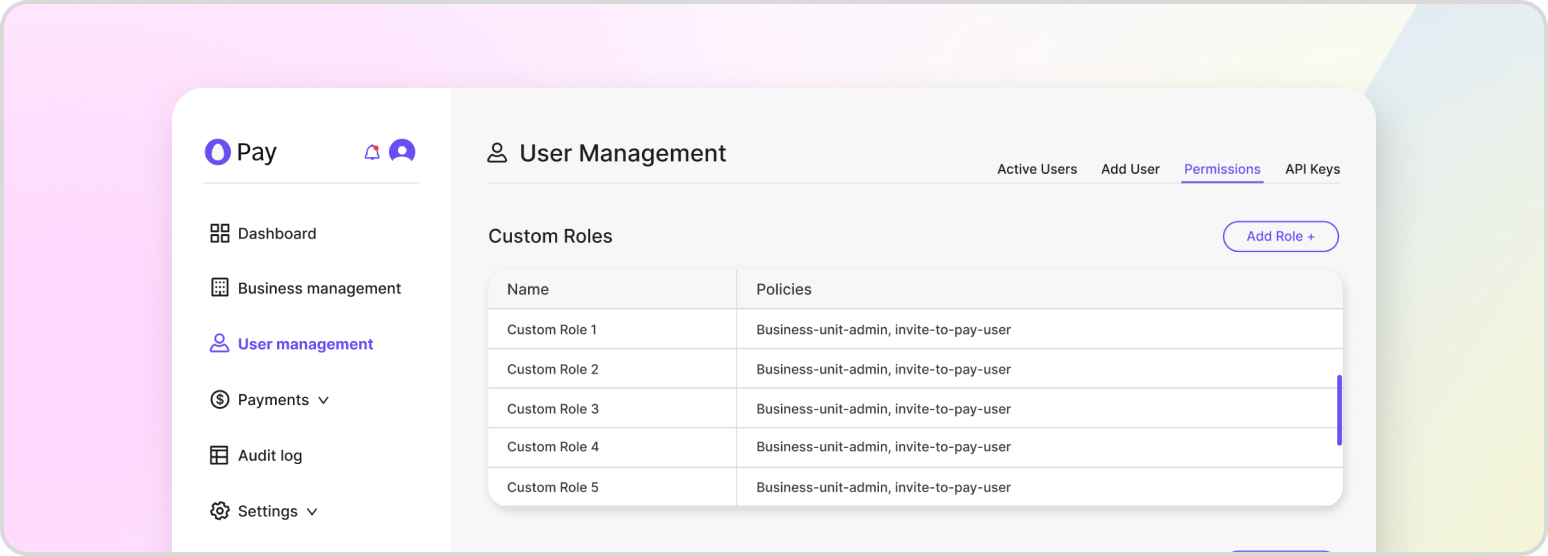
HatchPay’s audit log allows you to view a record of all requests made in its system related to your tenant. The audit log is a valuable tool for businesses to monitor and track activities related to payments and invoices within their HatchPay account. It can help you identify any discrepancies or issues, and provide a record of all transactions for auditing purposes.
You can view the audit log by visiting “Audit Logs” from your business unit’s dashboard. This feature allows you to see all requests made to HatchPay through your tenant, including but not limited to:
- Payment requests: View details such as the date and time of the request, the amount requested, and the status of the payment.
- Refunds: View details about refunds issued to customers, including the date of the refund, the amount refunded, and the reason for the refund.
- Customer information updates: See when customers update their information, such as changing their name, email address, or billing information.
Additionally, you can filter the audit log by setting up webhooks for it. For example, if you wanted to only view the audit logs of an individual business unit rather than the whole tenant, you could configure HatchPay to do so. You can also export the audit log data into a CSV file for further analysis or record-keeping.
Viewing History
You can view the history of all requests made to HatchPay using the following endpoint:
GET /v1/audit-log/history