Integrate I2P UI iFrame
Last updated: 10/23/2025
Integrate I2P UI iFrame
The I2P UI iFrame can be integrated into any front-end application.
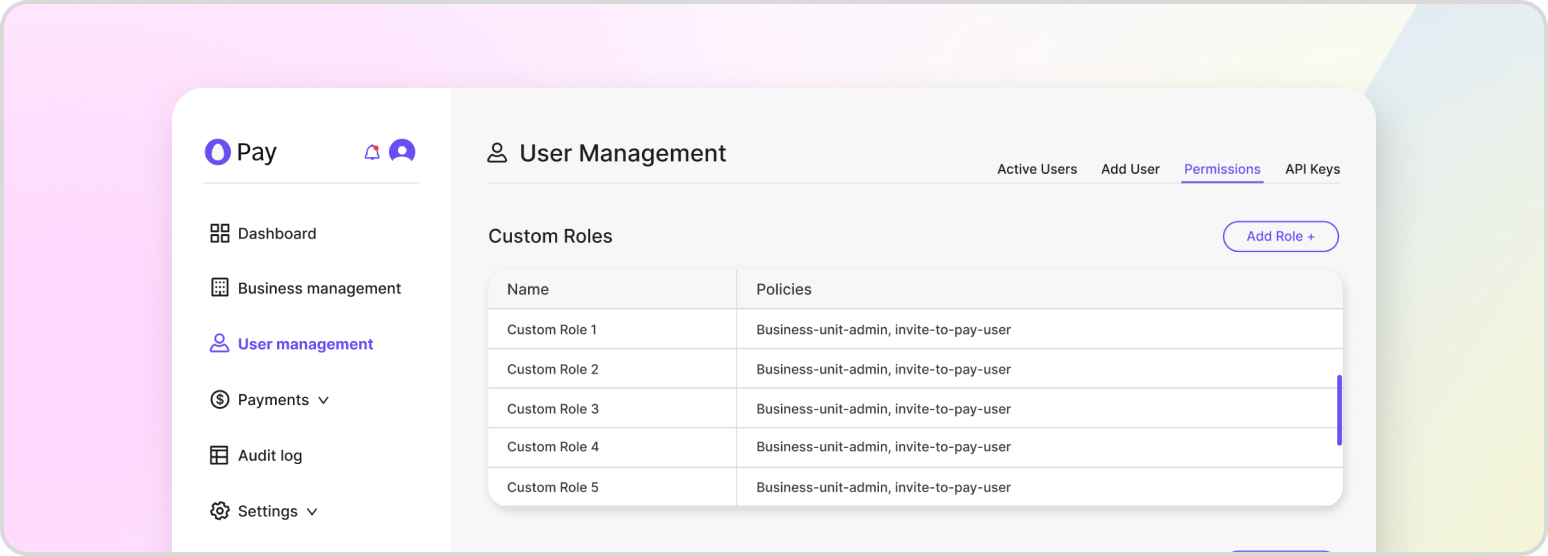
If you are using Invite2Pay (I2P) to render the Hatch Pay interface within your existing front-end, you can use the following HTML tag to insert I2P’s UI into your website:
<iframe src="https://payments.dev.hatch-pay.hatchgaragelab.com"></iframe>This HTML tag will render the I2P interface within an iframe, allowing you to display the Hatch Pay UI within your existing website. The src attribute of the iframe tag should be set to the URL of the Hatch Garage Lab endpoint, which is where I2P’s UI is hosted. When the user accepts an invite and starts a transaction, I2P’s UI will load into the iframe and display the appropriate form fields and payment options for the user to complete the transaction.