Webhook Setup
Last updated: 10/23/2025
Learn to setup webhooks and get notifications from HatchPay.
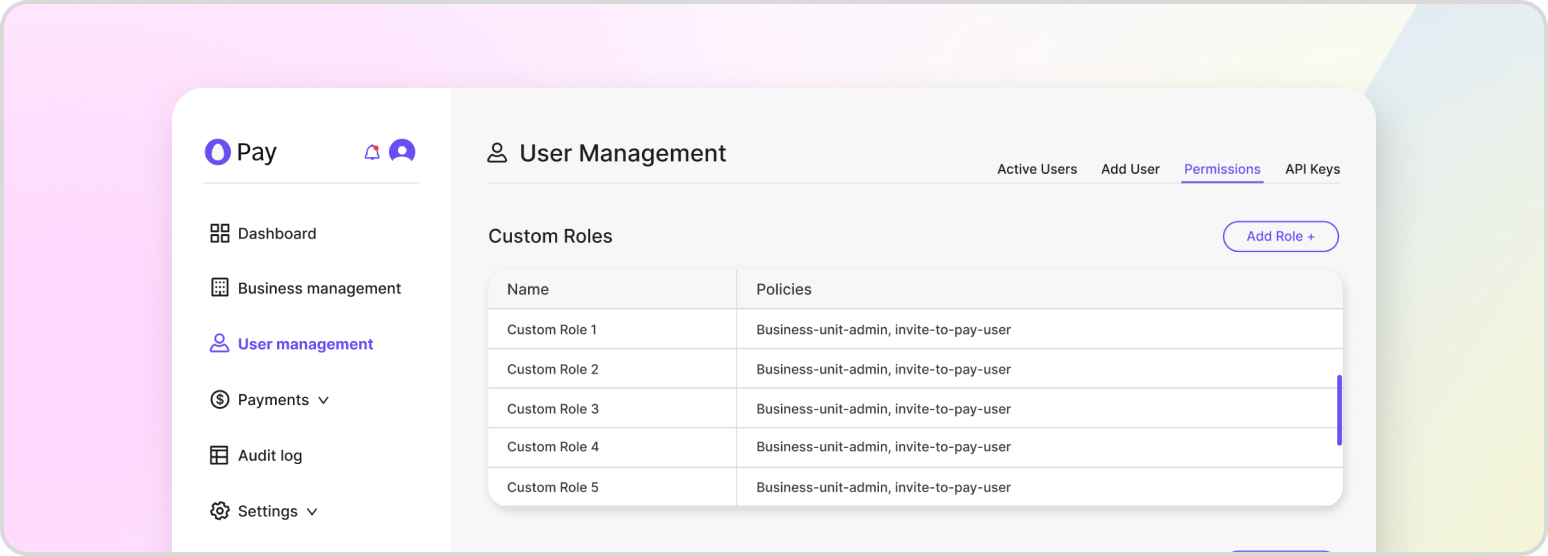
Webhooks are a powerful feature in the HatchPay system that allow for real-time notifications and communication between different systems. By setting up webhooks, you can ensure that your tenant is always informed of relevant events and transactions, such as when a payment is made or a transaction is completed. This allows for timely and effective communication with the API.
One of the key benefits of webhooks is their adaptability. Each business unit can create multiple webhooks, each with its own specific configuration and event triggers. This means that you can tailor your webhook notifications to meet the unique needs of your business and your customers. For example, you could set up one webhook to notify your customer service team when a payment is made, and another webhook to notify your accounting department when a transaction is completed.
In addition to their adaptability, webhooks are also highly customizable. You can choose which events you want to listen for, such as payment completions or transaction approvals, and you can specify the specific request parameters that you want to receive for each event. This allows you to fine-tune your webhook notifications to meet your specific business needs.
To set up a webhook in the HatchPay system, you need to send a POST request to the following endpoint. This will create a new webhook with the specified configuration and event triggers.
POST /v1/webhooks/business-units/{business_unit_id}/webhooks
{
    "label": "Webhook - Authorized Transactions",
    "destination_url": "https://test.com/email",
    "webhook_auth_info_id": "c2912c8c-2a9e-4e72-b92d-edc15adf9447",
    "event_types": [
        "payment-proxy.transactions.authorize"
    ]
}
Add or Remove Events
Events can be easily added or removed from a webhook depending on the changing needs of your business. You can use the webhook’s ID with the endpoint below in order to update your webhook’s events:
PUT /v1/webhooks/business-units/{business_unit_id}/webhooks/{webhook_id}
{
    "destination_url": "https://test.com/email",
    "event_types": [
        "payment-proxy.transactions.capture"
    ]
}
Deleting a Webhook
Deleting a webhook under a specific business unit can be accomplished with the following endpoint:
DELETE /v1/webhooks/business-units/{business_unit_id}/webhooks/{webhook_id}
Creating a New Authentication Configuration
Authentication configurations ensure that the webhooks that you use are properly authenticated within your own systems.
POST /v1/webhooks/auth-info
{
    "auth_config": {
        "client_id": "abc-123",
        "client_secret": "def-456"
    },
    "auth_type": "API Credentials"
}
Updating an Existing Authentication Configuration
An authentication configuration can be updated with the following endpoint:
PUT /v1/webhooks/auth-info/{authInfoID}
{
    "auth_config": {
        "client_id": "abc-123",
        "client_secret": "def-456"
    },
    "auth_type": "API Credentials"
}
Deleting an Existing Authentication Configutation
An authentication configuration can be deleted with the following endpoint:
DELETE /v1/webhooks/auth-info/{authInfoID}
Webhook Event Types
There are multiple different event types. Any number can be attached to a new webhook. Below is a list:
api-key.keys.create
api-key.keys.update
api-key.keys.delete
api-key.keys.assign-roles
api-key.keys.reveal
communication.communications.send
communication.templates.create
business.unit.payment.orchestrator.create
business.unit.payment.orchestrator.update
business.unit.payment.orchestrator.delete
invite-to-pay.codes.create
invite-to-pay.codes.cancel
invite-to-pay.codes.update
payment-proxy.transactions.rescind
payment-proxy.transactions.create
payment-proxy.transactions.authorize
payment-proxy.transactions.update
payment-proxy.transactions.capture
payment-proxy.transactions.inquire
payment-proxy.transactions.void
payment-proxy.transactions.refund
payment-proxy.i2p.resend
payment-proxy.transactions.authorize.and.capture
payment-proxy.transactions.capture.failed
payment-proxy.transactions.refund.failed
payment-proxy.transactions.void.failed
payment-proxy.transactions.authorize.failed
payment-proxy.transactions.authorize.and.capture.failed